

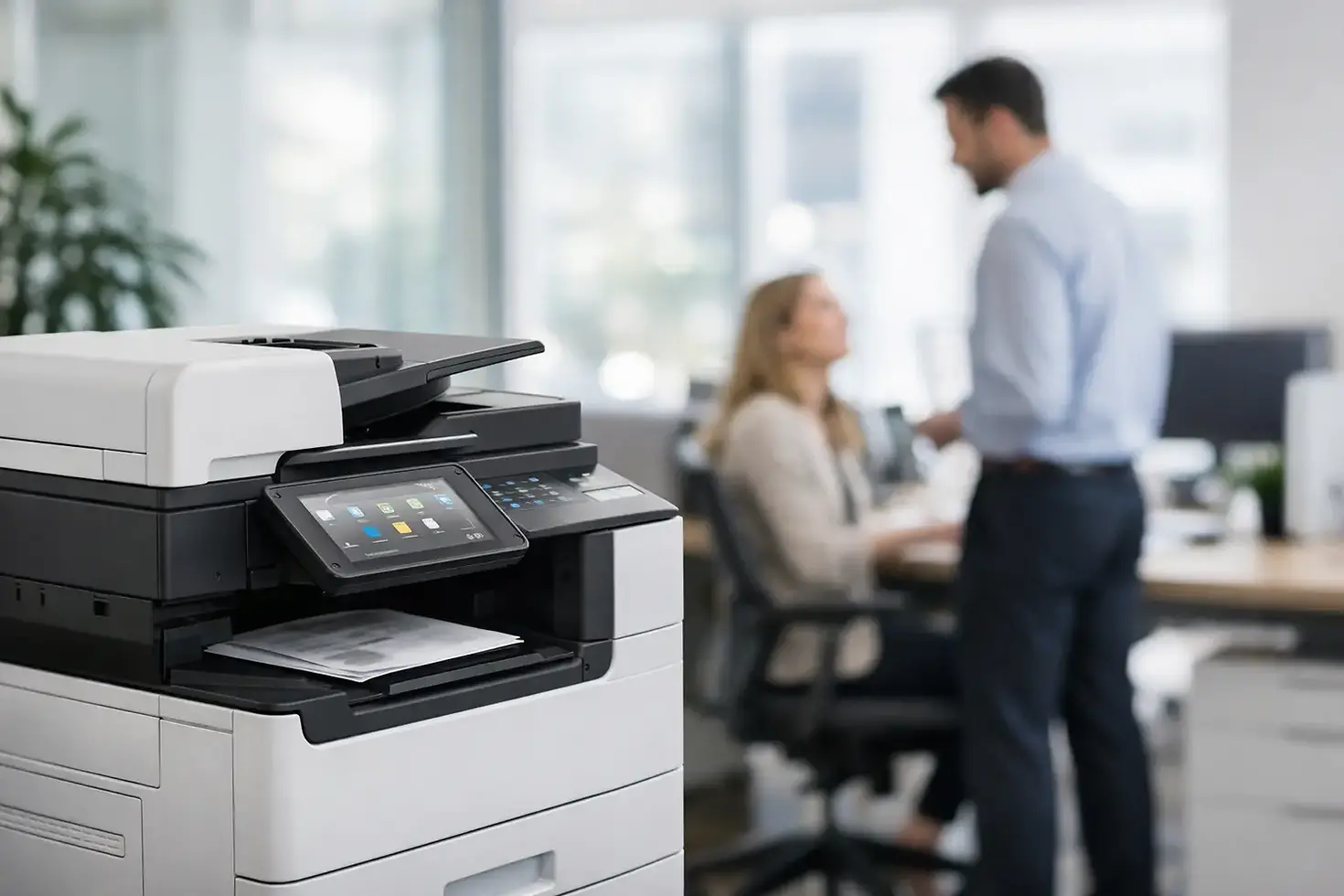
Fujifilm Multi Function Copier for Smarter Offices
- Customer Service
- Jul 13
- 6 min read
A copier that repeatedly jams, runs out of toner without warning, or leaves confidential documents sitting in an output tray costs more than its monthly payment. For Malaysian businesses, a Fujifilm multi function copier should do more than print, copy, and scan. It should reduce daily friction, give managers visibility over spending, and help staff move information safely from paper to the systems where work actually happens.
The right device depends on your monthly print volume, document types, number of users, security requirements, and available budget. A small office may need an affordable color multifunction device with dependable scanning. A busy finance department or print room may need faster output, finishing options, access controls, and fleet-level reporting. The most sensible choice is not always the biggest machine. It is the one that fits the way your team works and has service support behind it.
What a Fujifilm Multi Function Copier Should Solve
A multifunction copier brings printing, copying, scanning, and, where required, fax capability into one managed office device. That consolidation matters when teams are already managing multiple applications, approvals, customer records, and compliance requirements. Instead of treating paper as a separate task, staff can capture documents at the device and route them directly to email, network folders, cloud storage, or business workflows.
For many organizations, scanning is the capability that changes the day-to-day experience most. Invoices, delivery orders, signed forms, and employee records can be converted into usable digital files at the point of capture. With the right setup, users do not need to scan to a desktop, rename every file manually, and forward it again. A properly configured workflow can reduce those repetitive steps while making documents easier to find later.
Color output also deserves a practical discussion. Color can improve proposals, sales materials, training documents, and internal communication. Yet unrestricted color printing can create avoidable cost. User permissions, print rules, and reporting allow an organization to reserve color for work where it adds value, while directing routine documents to economical mono printing when appropriate.
Match the Device to Your Actual Workload
A machine specification is only useful when it reflects real usage. Start by reviewing current monthly volumes, peak periods, page sizes, whether your team needs color, and the proportion of scanning versus printing. A device that handles average volume may still struggle if the office sends a large batch of reports at month-end or processes hundreds of scanned documents after a customer event.
Speed is not the only productivity measure
Pages per minute are important, particularly for teams producing frequent reports, quotations, or transaction records. But first-page-out time, scanner speed, document feeder capacity, paper capacity, and finishing functions can affect productivity just as much. A fast engine does not help much if staff must stand at the machine loading paper, separating documents, or waiting for a slow scan job to complete.
For departments that regularly prepare booklets, proposals, or training packs, consider finishing options such as stapling, hole punching, or booklet creation. These features can bring small production tasks in-house and reduce the need for staff to manually assemble documents. They may not suit every office, however. Paying for advanced finishing on a device used mainly for invoices and basic correspondence is unnecessary.
Paper handling affects reliability
Different paper sizes, envelopes, labels, letterheads, and heavier stock place different demands on a copier. If your business regularly uses specialty media, confirm that the selected model and trays support it. A device that is well matched to its paper requirements is less likely to create stoppages, wasted stock, and frustrated users.
The same principle applies to paper capacity. A compact device may be ideal for a small workgroup, but it can become an interruption point when dozens of people depend on it. Larger departments often benefit from additional trays that hold separate paper types and reduce refill frequency.
Control Cost Without Sacrificing Access
The purchase price is only one part of the decision. Toner usage, service calls, spare parts, meter readings, downtime, and administrative effort all contribute to total cost of ownership. Businesses under budget pressure should look for a plan that makes costs predictable rather than simply choosing the lowest initial price.
A pay-per-click arrangement can be useful because it ties a portion of spending to actual output. Managed print services can add further control through meter monitoring, consumables visibility, scheduled maintenance, and clear reporting. When toner levels and device status are monitored remotely, the office is less likely to face the familiar problem of discovering an empty cartridge in the middle of an urgent print run.
Print management software can also help set sensible rules. For example, users can be encouraged to release jobs only when they are standing at the device, reducing abandoned pages. Departments can receive usage reports, and administrators can identify unusually high color output or repeated reprints. The objective is not to make printing difficult. It is to make spending visible enough for better decisions.
Rental, leasing, flexible payment plans, and short-term equipment access may be a better fit than a large capital purchase, especially for growing businesses or temporary projects. This flexibility matters when print needs are uncertain. A six-month proof-of-concept trial with free copies can give a team a realistic view of device performance before it commits to a longer arrangement.
Keep Documents Secure at the Device
Office printers are part of the IT environment, not isolated appliances. They handle customer information, financial records, employment documents, contracts, and internal reports. Security should therefore be considered from the first assessment, particularly for organizations with shared workspaces, multiple departments, or hybrid teams.
Secure print release is one practical control. A user sends a job but prints it only after authenticating at the device with a PIN, card, or approved method. This reduces the risk of sensitive documents being collected by the wrong person and prevents pages from being left unattended.
User authentication can also support accountability. Administrators can set permissions based on roles, restrict access to selected functions, and understand who is using the device. For scanning, predefined destinations and controlled address books can reduce errors and help employees route documents consistently.
The copier should also be considered alongside network policies, software updates, device configuration, and data handling practices. This is where a provider with document workflow and managed print experience adds value. Hardware is only one part of protecting information. The configuration, monitoring, support response, and user guidance matter just as much.
Build Scanning Into Better Document Workflows
Many businesses still lose time because paper documents enter the office without a clear digital route. A Fujifilm multifunction device can become a practical starting point for document management when scanning is designed around the process, not just the hardware.
Consider an accounts payable team receiving invoices. The goal is not simply to create a PDF. The better outcome is a consistent process where documents are scanned, named or indexed appropriately, sent to the right repository, and made available for review without delay. Similar workflows can support HR forms, sales orders, project records, legal documents, and customer onboarding files.
Cloud-connected services and embedded software can support distributed teams, but they should be introduced with care. The best approach depends on how your organization stores information, who requires access, and what approval rules apply. A smaller company may benefit from straightforward scan-to-email and cloud folders. A larger organization may need integration with document-management platforms, usage reporting, and centrally managed device policies.
Why Local Support Changes the Equation
A copier is easy to appreciate when it is working and immediately noticeable when it is not. Delayed repair responses can hold up invoices, proposals, tender submissions, and routine administration. That is why equipment selection should include a clear discussion about service coverage, response expectations, spare parts, consumables, and escalation procedures.
Canex Imaging Solutions approaches the copier as part of a wider operating model, from needs assessment and device selection to workflow integration, managed print support, and on-site engineering. For organizations in Kuala Lumpur and the surrounding commercial market, accountable local support can be more valuable than a low headline price with uncertain after-sales service.
Before making a decision, ask for a workload assessment and be open about your pain points. Share your current print volumes, the documents that cause delays, color requirements, security concerns, and budget limits. A good recommendation should explain the trade-offs clearly, including where a simpler device is enough and where added capability will genuinely save time or cost.
A dependable document environment gives your staff one less operational problem to manage. Start with the work your people need to complete each day, then choose the copier, service plan, and workflow support that lets them complete it with confidence.


Comments